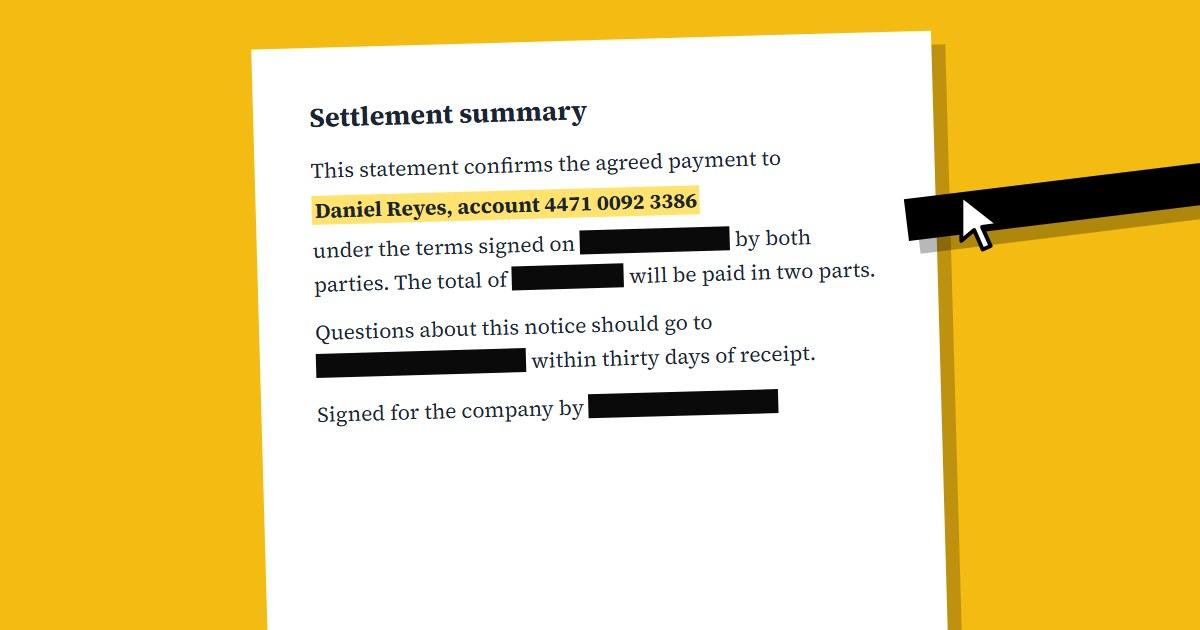
To redact a PDF properly, you have to remove the sensitive content from the file, not just cover it up. Drawing a black box or highlight over text in most PDF editors hides it on screen, but the words are often still in the file, and anyone can copy them out. A real redaction tool replaces that part of the page so there's nothing left to recover.
This mistake catches professionals too. In January 2019, a court filing by Paul Manafort's lawyers had blacked-out passages that reporters read simply by copying the text and pasting it elsewhere.
Why Black Boxes Fail
A PDF is built in layers. The text sits in one place and anything you draw is added on top. When you put a black rectangle over a name, the name doesn't go away. It's just hidden from view, and the file still contains it.
That leaves several easy ways to get the hidden text back:
- Select the area and copy it, then paste into any text editor
- Search the document with Ctrl+F, which can find words under the box
- Open the file in a PDF editor and move or delete the rectangle
- Run a basic text extraction tool over the file
The same goes for white boxes, highlighter set to black, and black-coloured text. All of them change how the page looks and leave the content in place.
What Real Redaction Does
True redaction permanently removes the content underneath. Our Redact PDF tool does this by turning each page you mark into an image and burning the black boxes into its pixels. The text under a box no longer exists as text, so copying, searching and editing have nothing to find.
Pages you don't mark are left as they were. On marked pages, we also add a hidden text layer to what's left, so the rest of the page can still be searched and copied. That text comes from reading the final image, after the boxes are burned in, so redacted words can't come back this way.
Step-by-Step: Redact a PDF Online
- Open Redact PDF and upload your document
- Drag a box over everything you want removed, on every page where it appears
- To save time, use Find & Redact to search for a word, or the presets for emails and phone or ID numbers, then mark all the matches
- Click Redact and download the new file
- Check the result (see the next section), then share that version
Ctrl+Z undoes the last box if you make a mistake. Boxes are only applied when you click Redact, so you can review them all first.
How to Check That It Worked
Never send a redacted file without testing it. It takes about a minute:
- Press Ctrl+F and search for a name or number you removed
- Try to select the blacked-out area, copy it and paste it somewhere
- Skim every page, since the same detail often appears in headers, footers or signature blocks
If the search finds nothing and the paste comes up empty, the redaction worked. Keep the unredacted original somewhere safe, and make sure you send the redacted copy, not the original with a similar file name.
What People Forget to Redact
Missed details are the other common failure. Before you start, look for:
- Account numbers, ID numbers and dates of birth, which often repeat across pages
- Email addresses and phone numbers in signatures and footers
- Names inside charts, table captions and image labels
- Pictures of signatures, stamps and ID cards
- File properties such as title and author, which sit outside the page content
Page redaction works on what's on the page, so check the file name and document properties too. Also remember that context can give things away: if a sentence still says "the CFO of the company", blacking out the name doesn't achieve much.
Can Redacted Text Be Recovered?
Not if the redaction was done properly, because the original content is no longer in the file. With our tool, marked areas become solid black pixels. If someone only drew a shape over the text, then yes, it can usually be recovered in seconds.
Is It Safe to Upload a Sensitive Document?
The connection is encrypted with HTTPS, and files are deleted from our servers within 1 hour. There are two exceptions: results saved in My Files on paid plans are kept for 24 to 48 hours, and if a job fails, the uploaded file is kept for up to 24 hours so we can fix the error. Our Privacy Policy has the details. If your employer has rules about third-party tools, check those first.
Does Redacting Make the PDF Bigger?
It can, slightly, because marked pages become images. If you need a smaller file afterwards, run it through Compress PDF.
What's the Difference Between Redacting and Password Protecting?
A password controls who can open a file, but anyone who has the password sees everything. Redaction removes information so nobody can see it, whoever opens the file. Use Protect PDF when the right people need the full document, and redaction when they shouldn't see parts of it.
Done properly, redaction takes a few minutes, and it's far cheaper than a leak. Try it on your next document with our Redact PDF tool.
Advertisement
Share this article
Manikant
Writing practical guides on PDF tools, file conversion, and document workflows.
More articlesRelated Articles
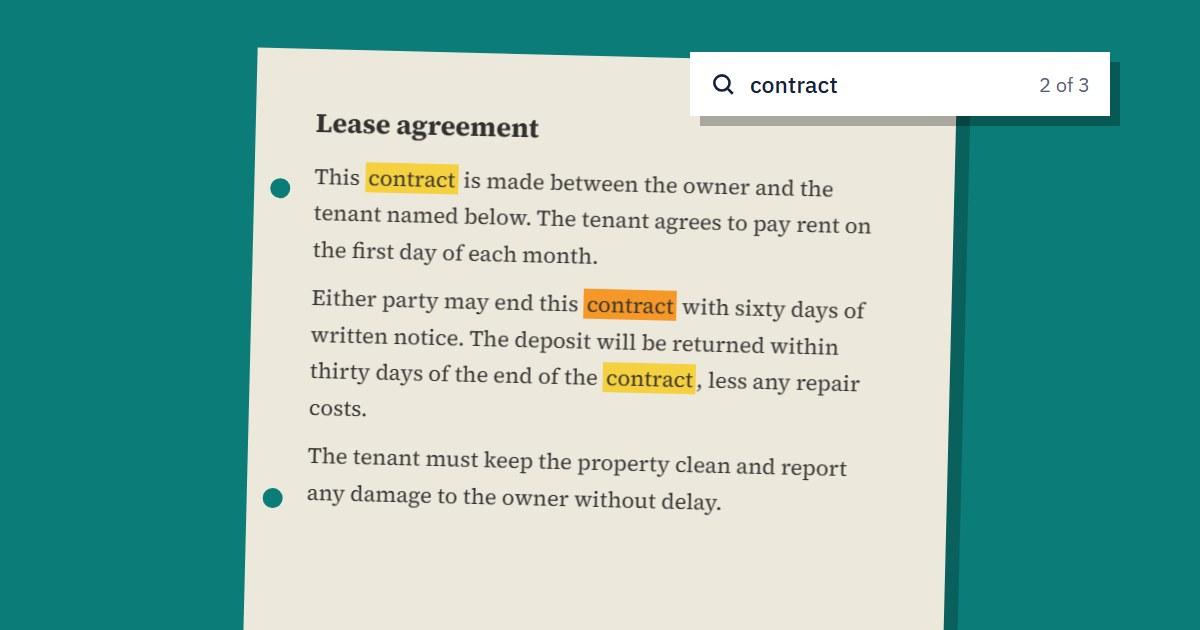
How to Make a Scanned PDF Searchable with OCR
Can't search or copy text from a scanned PDF? OCR fixes that. Here's how it works and how to get accurate results.
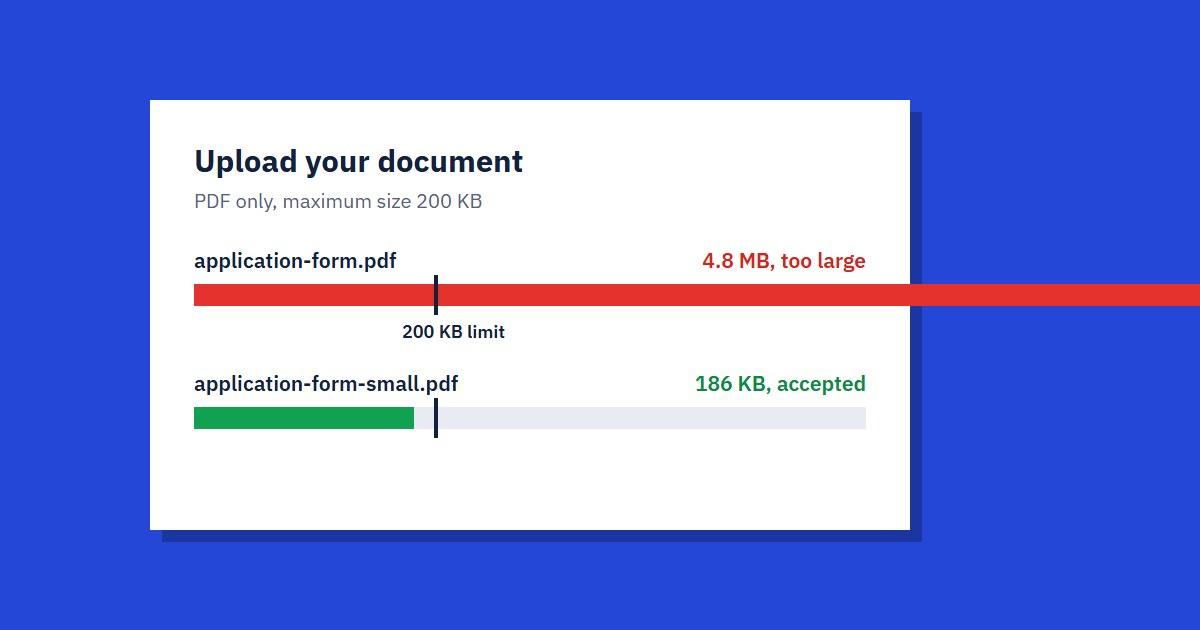
How to Reduce a PDF to 100 KB or 200 KB for Online Forms
Upload portal rejected your PDF? Here's how to get a file under 100 KB or 200 KB, and what to do when compression alone isn't enough.

How We Built SmallPDF.us: Hosting & Tech Stack
A behind-the-scenes look at the VPS, tech stack, and lessons learned running a free PDF tools platform — plus what we'd tell you before you build your own.