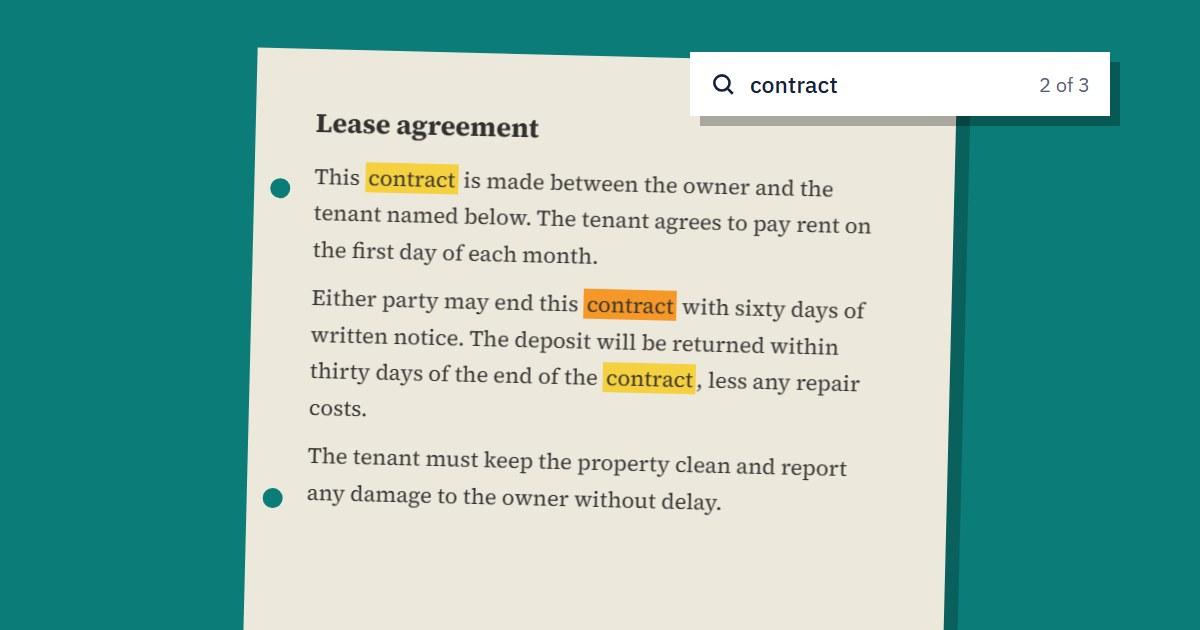
To make a scanned PDF searchable, run it through OCR (optical character recognition), which reads the text in each page image and adds it to the file as real text. Upload your document to our OCR PDF tool and download the searchable version. The pages look exactly the same, but Ctrl+F and copy-paste now work.
If you've ever tried to search a scanned contract and got zero results, this is why. To your computer, a scan is a photo of a page, with no words in it at all.
How to Tell If Your PDF Is Scanned
Open the file and try two quick tests:
- Try to highlight a sentence with your cursor. If you get a blue box around the whole page, or nothing happens, it's an image
- Press Ctrl+F and search for a word you can see on the page. No results means there's no text layer
Some files are mixed, with typed pages and scanned pages together. A contract with a scanned signature page is a common example.
What OCR Does to Your File
OCR looks at each page image, recognises the letters and places the matching text in an invisible layer exactly on top of the words on the page. Nothing you can see changes. Your stamps, signatures and layout all stay the same, but you can now select, search and copy the text.
Our tool checks each page first. Pages that already have real text are left alone, and only scanned pages are processed, so mixed PDFs work without any extra steps.
Step-by-Step: OCR a PDF Online
- Open OCR PDF and upload your scanned document
- Wait while the pages are read, which is usually a few seconds per page
- Download the searchable PDF
- Test it by searching for a word from the middle of the document
The free plan handles files up to 10 MB and 2 pages, once a day. Paid plans cover longer documents and files up to 100 MB, and also export to Word (.docx) and plain text (.txt). See Pricing for details.
Text recognition currently works for English documents. Other languages aren't supported yet, and non-Latin scripts in particular won't come out correctly.
How to Get Accurate Results
OCR is only as good as the image it reads. A few small things make a big difference:
- Scan at 300 dpi. Below about 200 dpi, small letters start to blur together
- Fix sideways pages first. Use Rotate PDF so that text reads upright, because OCR can't read a page that's turned on its side
- Keep the page flat and straight. Curved lines near a book's spine and tilted phone photos cause the most errors
- Use good, even light. Shadows from your hand or phone can hide whole words
- Don't compress before OCR. Heavily compressed scans lose the detail OCR needs, so run OCR first and then use Compress PDF afterwards if you need a smaller file
Expect very good results on clean printed documents, and weaker results on faded photocopies, unusual fonts and tables. Handwriting usually doesn't come out well.
What You Can Do with a Searchable PDF
Once the text layer is there, a scan becomes much more useful:
- Find a clause in a long contract in seconds instead of reading through it
- Copy a paragraph into an email or report without retyping it
- Search your folders for documents by their contents, on systems that index PDF text
- Use a screen reader, which can't read a plain image of a page
- Pull out figures and paste them into a spreadsheet
Always proofread anything important. OCR can confuse similar characters, such as 0 and O or 1 and l, and that matters in names, amounts and account numbers.
Is OCR the Same as Converting a PDF to Word?
Not quite. OCR adds a text layer and keeps the PDF looking the same. Converting to Word gives you an editable document, but the layout of a scan may shift. If you want to keep the look of the page and just search it, a searchable PDF is the better choice.
Will OCR Change How My PDF Looks?
No. The text layer is invisible, and the page images stay as they are. The file may get a little bigger because of the added text.
Can OCR Read Handwriting?
Not reliably. OCR is built for printed text, so neat block capitals might partly work, but joined-up handwriting usually won't. If handwriting matters, plan to check or retype it yourself.
Are My Files Kept?
Files are deleted from our servers within 1 hour, with two exceptions described in our Privacy Policy: results saved in My Files on paid plans, and files from a failed job, which are kept for up to 24 hours so we can fix the error.
A scanned document doesn't have to stay a picture of text. Try it on your next file with our OCR PDF tool.
Advertisement
Share this article
Manikant
Writing practical guides on PDF tools, file conversion, and document workflows.
More articlesRelated Articles
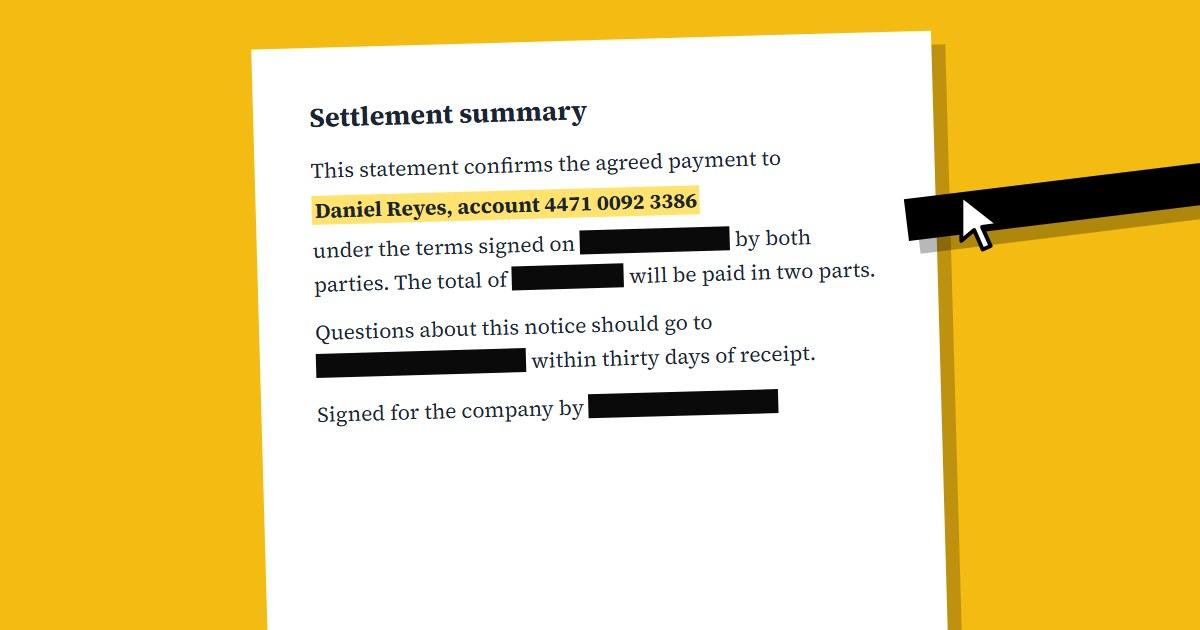
How to Redact a PDF Properly (Black Boxes Aren't Enough)
A black rectangle drawn over text can leave that text fully readable underneath. Here's how to remove sensitive information from a PDF for good.
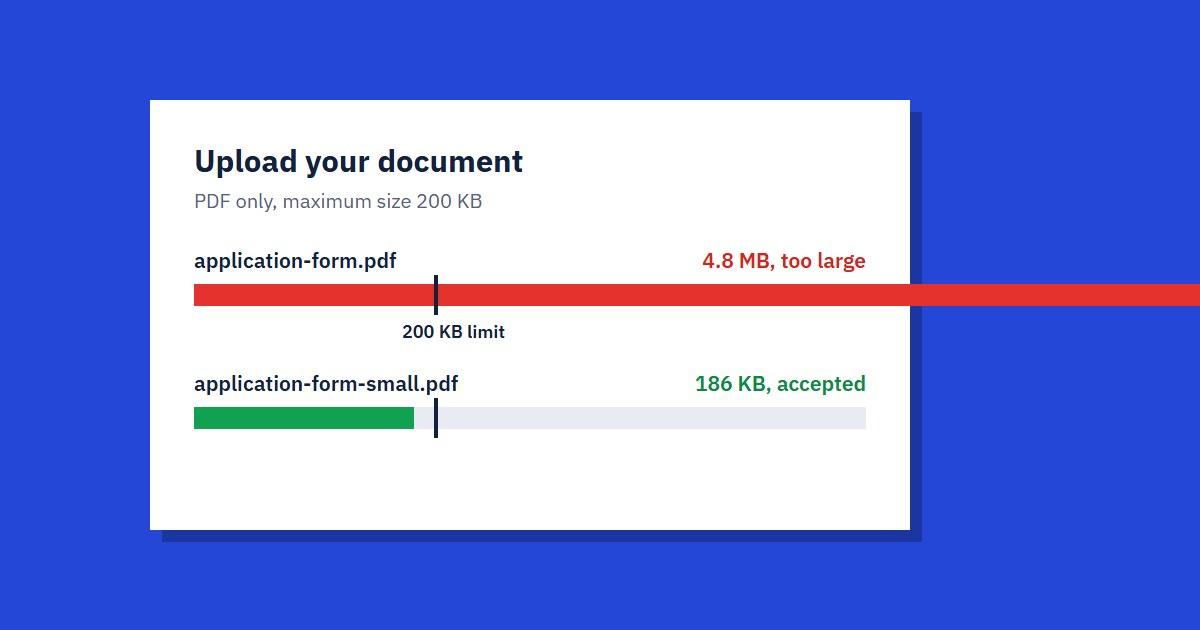
How to Reduce a PDF to 100 KB or 200 KB for Online Forms
Upload portal rejected your PDF? Here's how to get a file under 100 KB or 200 KB, and what to do when compression alone isn't enough.
How We Built SmallPDF.us: Hosting & Tech Stack
A behind-the-scenes look at the VPS, tech stack, and lessons learned running a free PDF tools platform — plus what we'd tell you before you build your own.