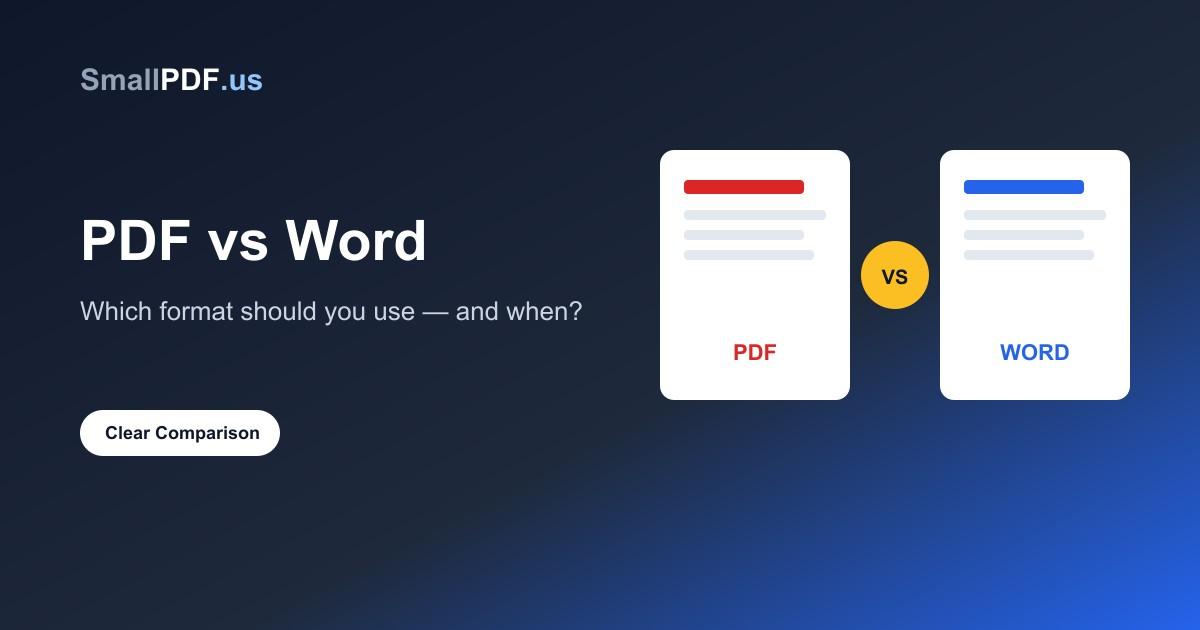
"Should I send this as a PDF or a Word document?" It's a question that comes up constantly — for resumes, contracts, reports, and everyday files — and the wrong choice can genuinely cause problems, from a hiring manager's system mangling your resume formatting to a client editing a contract they shouldn't be able to touch.
Here's a clear way to think about it, plus how to convert between the two when you need to.
The Core Difference: Fixed vs Editable
A Word document (.doc or .docx) is built to be edited. Formatting can shift depending on the software, font availability, or screen size — open the same .docx in Word, Google Docs, and LibreOffice and you might see slightly different spacing or page breaks.
A PDF is built to look identical everywhere. Fonts, spacing, and layout are locked in, so the document looks exactly the same whether it's opened on a phone, a laptop, or printed out. That's the entire point of the format — "Portable Document Format."
That one difference — editable vs fixed — decides almost every use case below.
When to Use PDF
- Sending a final version of anything — contracts, invoices, official reports, signed agreements
- Resumes and cover letters, in most cases — a PDF guarantees your careful formatting doesn't break on someone else's computer
- Anything with precise layout — flyers, certificates, forms with specific field positions
- Documents you don't want casually edited — a PDF isn't uneditable, but it raises the bar enough to prevent accidental changes
- Archiving — PDFs are a stable, long-term format that will still open correctly years from now
When to Use Word
- Any document that's still being worked on — drafts, collaborative reports, anything with more edits coming
- Templates you're handing off for someone else to fill in or customize
- Documents that need tracked changes or comments during review
- Long-form content where the recipient may want to reformat, repurpose, or reuse sections of the text
A simple rule of thumb: if the document's job is finished, make it a PDF. If the document's job is still in progress, keep it a Word file.
The Resume Exception
Resumes deserve a specific note, since this comes up so often. Most companies now use Applicant Tracking Systems (ATS) that scan resumes for keywords before a human ever sees them. Modern ATS software reads PDFs just fine in the vast majority of cases, and a PDF protects your formatting — so PDF is the safer default.
The one exception: if a job posting explicitly asks for a Word document, follow that instruction. Some older or custom-built application systems still parse .docx more reliably than PDF.
Converting Between the Two
You don't need to pick one format and stick with it forever — converting is quick:
- Need a Word file as a PDF? Use Word to PDF — formatting, images, and layout carry over automatically
- Need to edit a PDF as a Word document? Use PDF to Word — text becomes editable, though very complex layouts (multi-column designs, heavy graphics) may need minor cleanup after conversion
- Only need to fix a typo or update a date in a PDF without converting it at all? Our Edit PDF tool lets you click any text in a PDF and retype it directly — no conversion round-trip needed
Common Mistakes
- Sending a Word document as a "final" version — the recipient's software can silently reformat it, and anyone can edit it further
- Converting PDF to Word just to make one small text change — for simple edits, converting and reconverting a whole document is more work (and more risk of formatting breaking) than just editing the PDF directly
- Assuming a scanned PDF is the same as a "real" PDF — a scanned document is really just an image; if you need to search or edit the text, it needs OCR first
Frequently Asked Questions
Does converting PDF to Word ever break formatting?
Simple documents (mostly text, standard layout) convert cleanly. Complex designs with multiple columns, text boxes, or heavy graphic elements may need some manual adjustment after conversion — this is a limitation of any PDF-to-Word converter, not specific to one tool.
Is a PDF actually harder to edit than Word?
It's not harder, just different — Word edits text directly, while a PDF stores a fixed layout. For quick fixes like updating a date or number, editing the PDF directly is usually faster than converting to Word, editing, and converting back.
Which format is better for printing?
PDF, without question. Since layout is fixed, what you see on screen is exactly what prints — Word documents can shift slightly between printers and driver versions.
Whichever direction you need to go, both conversions are free and run entirely in your browser: PDF to Word and Word to PDF.
Advertisement
Share this article
Manikant
Writing practical guides on PDF tools, file conversion, and document workflows.
More articlesRelated Articles
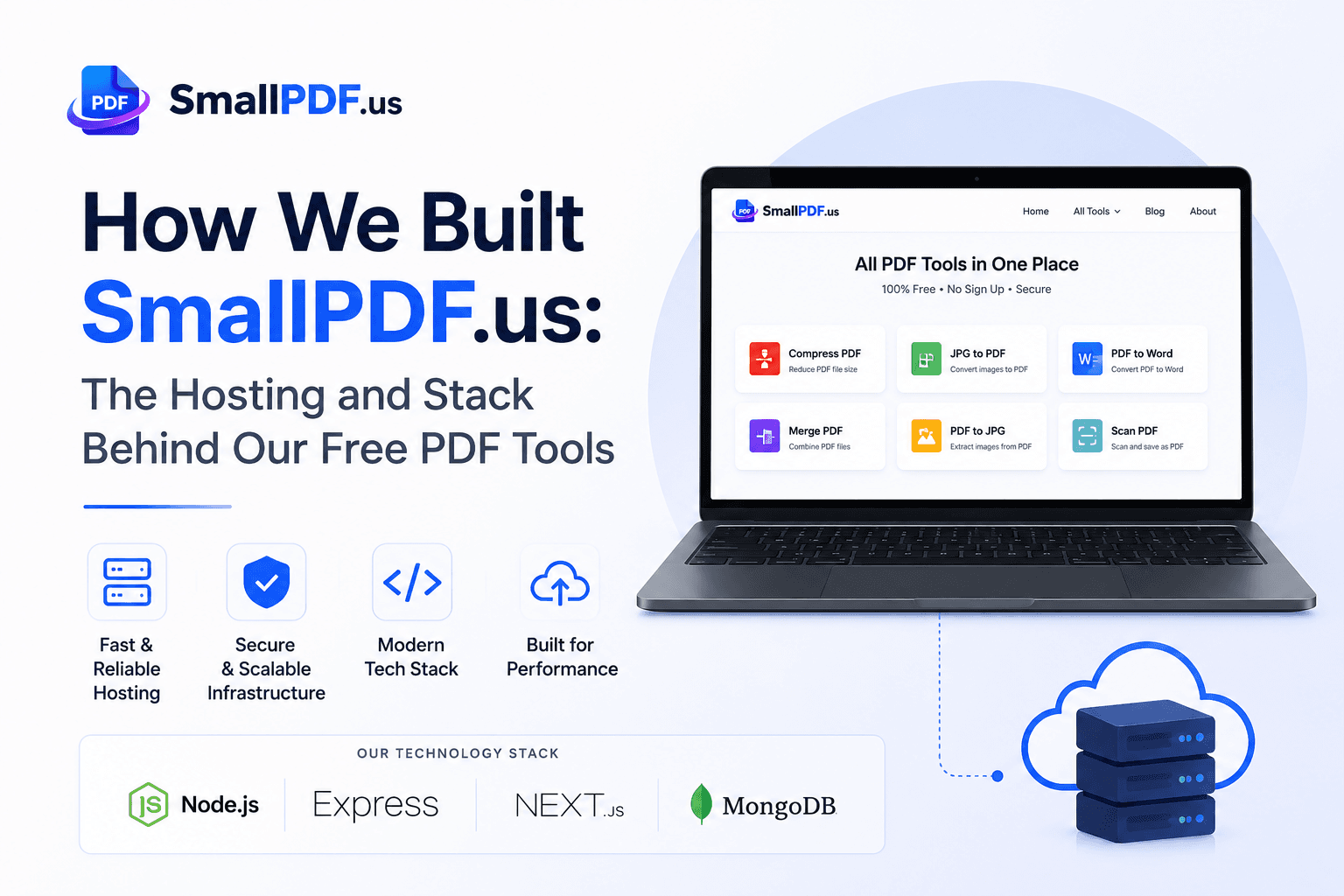
How We Built SmallPDF.us: Hosting & Tech Stack
A behind-the-scenes look at the VPS, tech stack, and lessons learned running a free PDF tools platform — plus what we'd tell you before you build your own.
How to Password Protect a PDF (Step-by-Step Guide)
Password-protecting a PDF takes under a minute and adds real AES-256 encryption. Here's how to do it properly.
How to Compress a PDF for Email Without Losing Quality
Email attachment limits are usually 10-25MB. Here's how to shrink a PDF in under a minute without a visible drop in quality.